
UIUX
BRANDING
UX RESEARCH
UI DEV
Role
Product Designer - UI developer
Timeline
October 2025
Skills
User Research, Wireframing Visual Design, Interface Design, Interaction Design, Prototyping
Background
In today’s fast-paced digital world, it’s easy to lose track of tasks, tabs, or ongoing projects. Distractions like meetings or notifications can break focus. For the AWS Hackathon 2025, I and 2 other developers set out to create a solution that helps users regain workflow seamlessly, without complexity or compromising privacy.
What is Noro?
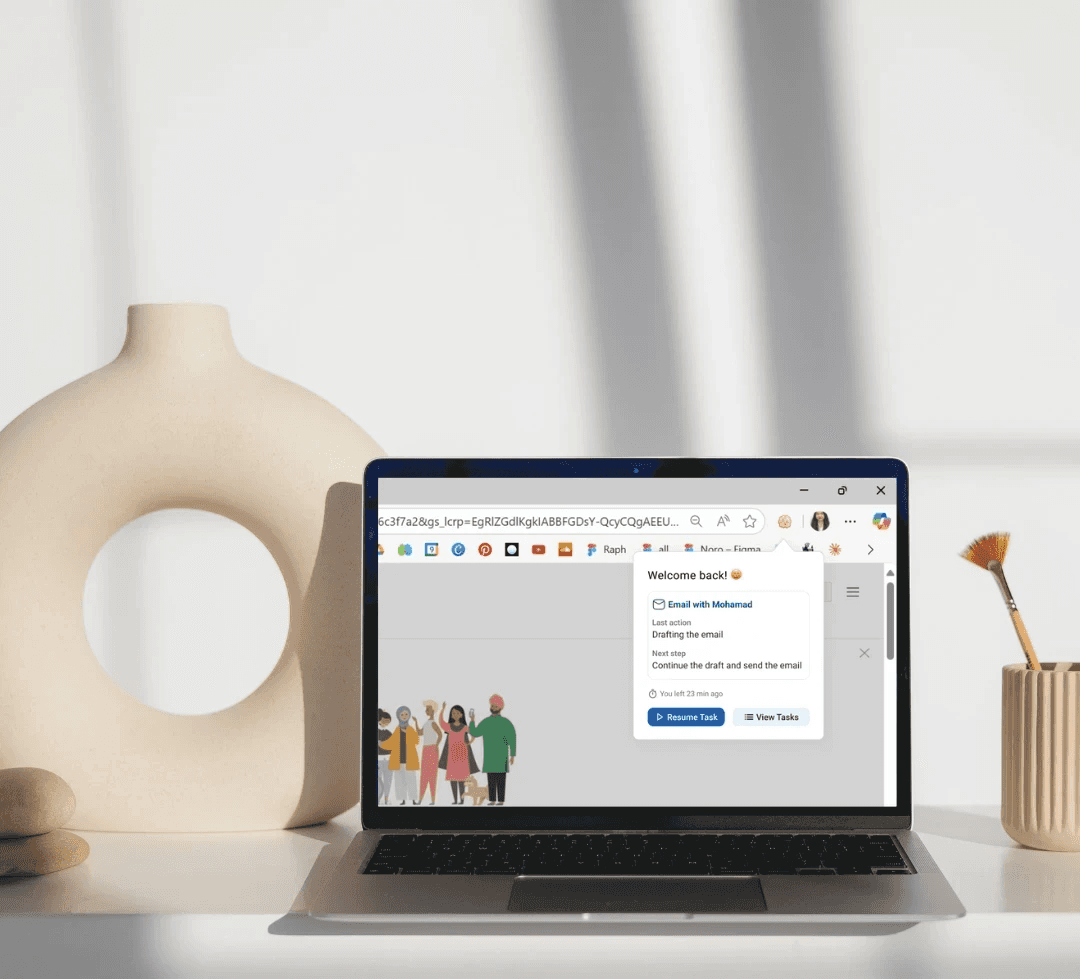
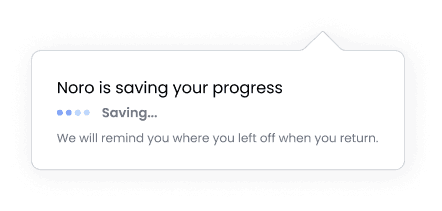
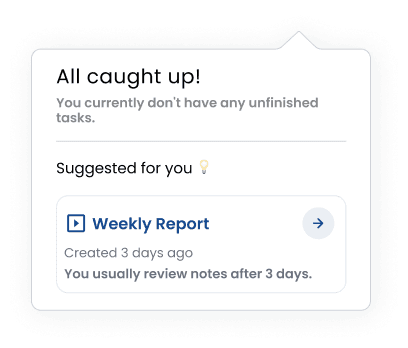
Noro is a Chrome extension that remembers exactly where you left off — documents, tabs, or notes — and brings you right back. It organizes tasks, offers AI-powered suggestions, adapts to your workflow, and keeps your data private, all while helping users reclaim focus effortlessly.
Research
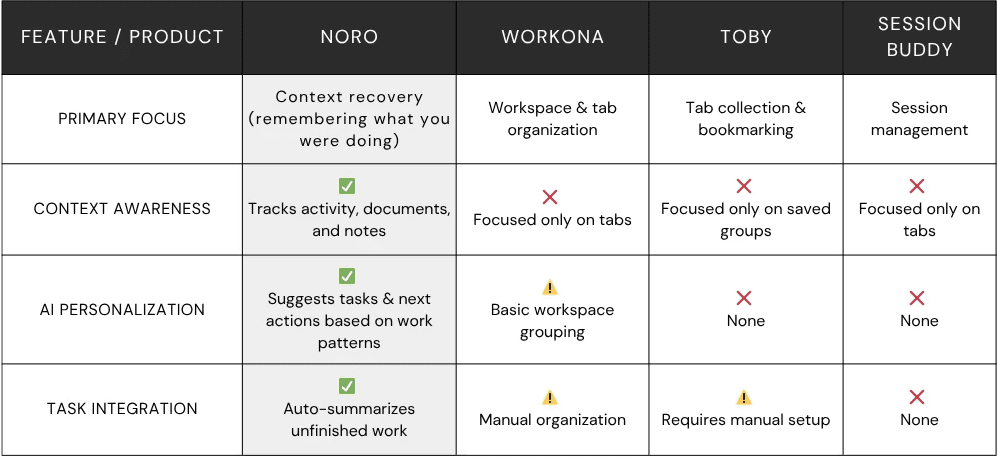
Competitive Analysis
Objective: Understand what existing productivity extensions do well, where they fall short, and identify gaps Noro could fill.
I explored several Chrome extensions focused on productivity and session recovery — including Workona, Toby, and Session Buddy.
I analyzed their onboarding flow, tab recovery process, and overall user experience, focusing on how well they help users regain focus after interruptions.
Secondary Research
People switch screens about every 47 seconds on average.
— Gloria Mark, discussed on Microsoft WorkLab’s podcast
Regain control of your focus and attention
68% of workers say they don’t have enough uninterrupted focus time.
— Microsoft Work Trend Index 2023
Will AI Fix Work?
Observation of Workflow Interruptions
Objective: Identify real moments of friction in remote work environments.
Process:
I observed my own and my teammates’ daily browser usage while coding, designing, and switching between tools like Figma, Notion, and the AWS Console during the hackathon.
Observations:
After interruptions (Slack messages, notifications, or research detours), it took 2–5 minutes to recall what we were doing.
We used temporary fixes like bookmarking, pinning tabs, or leaving windows open — none efficient or sustainable.
Visual design
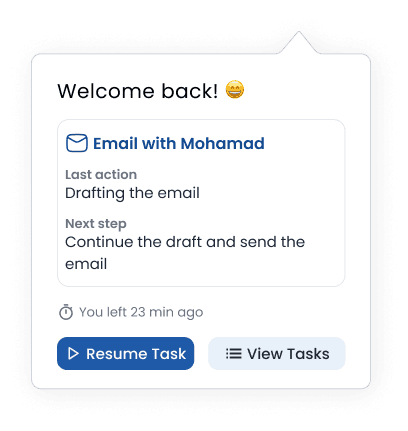
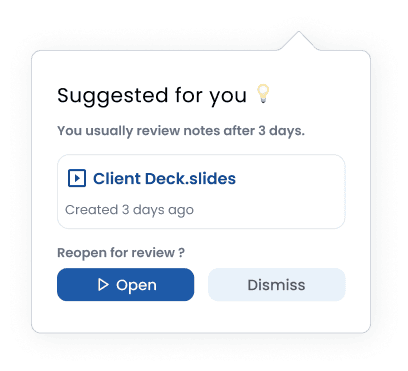
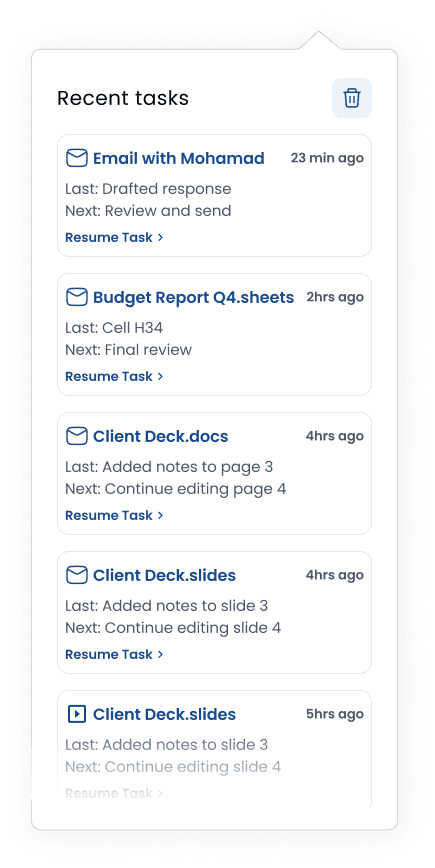
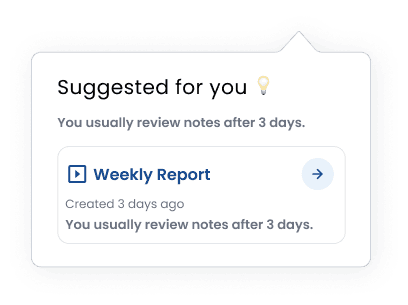
Demo video
Made by Trang Cao
Drowning in tabs? Noro senses what you’re doing, reads on-screen context, and highlights the next best step—so you pick up where you left off and finish faster. Get your flow back. Get it done. We built Noro because knowledge work is drowning in context switches. We’re constantly juggling tabs, shifting context, and losing our place.